
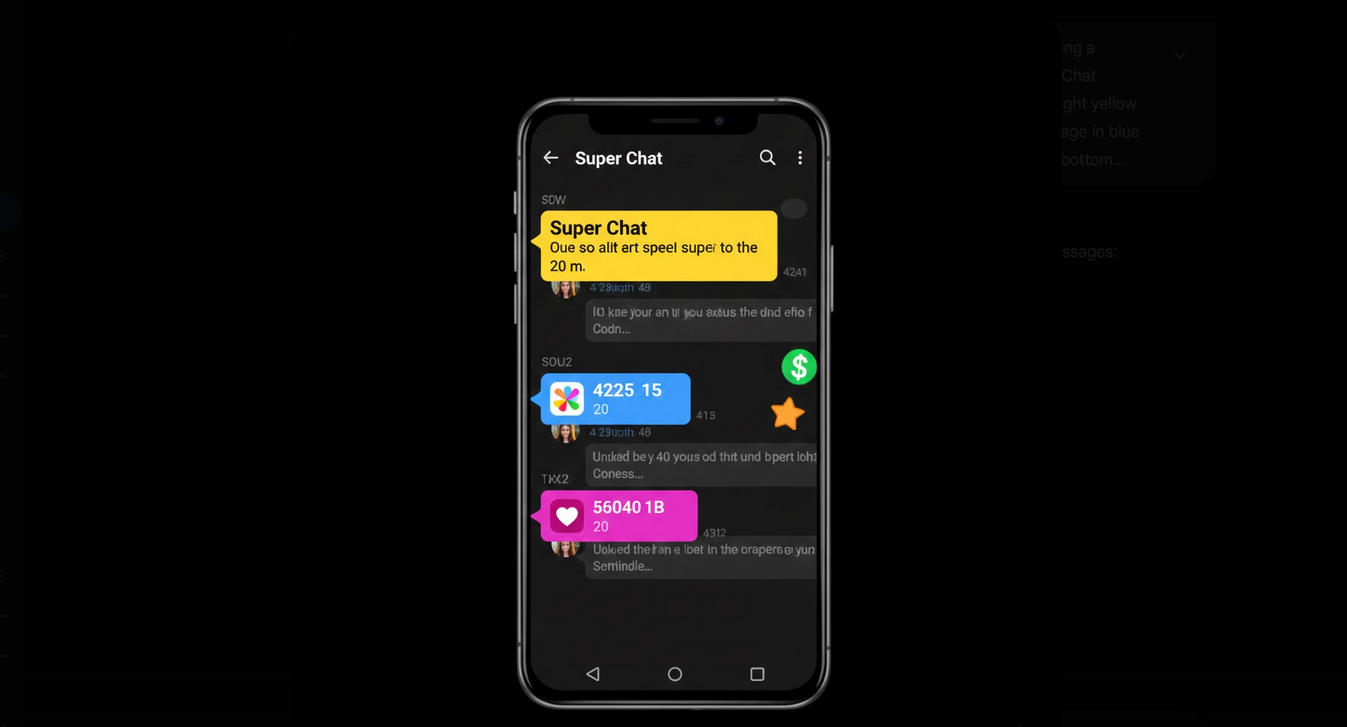
There are some paid methods of highlighting your message or stickers in the live chat. That is another way of earning for creators. Also for the viewers, it is an opportunity of getting noticed in the live chat and supporting favorite channels.
What Is Super Chat?
It is a paid message which will be highlighted in the live chat of the stream. When the user purchases super chat, he/she will see his/her message in the brightly colored box which will be pinned at the top of the live chat for the period of time depending on the sum of money spent. The more expensive is the message, the brighter will it be highlighted and longer it will be pinned in the top of the chat.
What Are Super Stickers?
It is an animated sticker that viewers can purchase and send them to the live chat. As with super chats, the viewer sends a message to the live chat, but this message will be not text but image. Every sticker has its own price and the viewer will see his/her username highlighted in the live chat with the sticker.
Super Chat Prices
- Minimum Price: Super chats start with a minimum price which may vary from country to country and currency to currency.
- Color Tiers: Message color will depend on the price – from the blue for the lowest price to red and yellow for the higher one.
- Pinning Time Period: The more money you pay, the more time your message will stay pinned in the top of the chat – up to five hours.
- Message Length: The more money you spend, the longer your message will be, while the minimum price will highlight only the username without custom text.
- Maximum Spending Limit: There is a daily maximum spending limit for every user to prevent overspending.
How to Send a Super Chat or Super Sticker?
- Find the live stream or the premiere that offers super chats.
- Tap the dollar icon that is placed in the live chat input area and looks like a dollar sign or a sticker.
- Choose what kind of message you want to send – the text message or sticker.
- Set your price and see the preview of the message – color and pinning time period.
- If you send super chat, then type the text of your message.
- Confirm and send the message.
- It will be sent using Google Play and will be immediately visible in the live chat.
Super Chat on YouTube Vanced
YouTube Vanced supports the Super Chat and Super Stickers in the same way as the official application does. Without ads, the viewer will be able to join the live stream instantly without any pre-roll ads and fast loading of the chat without ads. The messages will be highlighted and received by the creator in the same way it is done in the official application.
The purchasing process occurs through the Google account connected via Vanced MicroG. All purchases occur through the Google Play payment system regardless of the application.
Revenue Splitting and Creator’s Earnings
- YouTube’s Cut: YouTube takes a part of the money from every Super Chat and Super Sticker purchase.
- Creator’s Share: The rest of the money goes to the creator.
- Payment Schedule: The creators will receive the Super Chat money in the same schedule as other AdSense payments.
- Tax: The creators and high volume buyers should consider the tax consequences of Super Chat money and spending.
Who Will Be Benefited from Super Chat and Super Stickers
- Engaged Viewers: The fans who want to get noticed in the live chat and make sure that the message is seen by the creator.
- Supporting Fans: The viewers who want to support their favorite creators financially.
- Creators: The YouTubers who conduct live streams and need another way of earning aside from ads and memberships.
- Community Builders: The live stream hosts who use Super Chats to prioritize and answer the audience’s questions.
Conclusion
Super Chat and Super Stickers bring a new level of interaction and finances for live streams on YouTube for the creators and viewers. It is a way of making a financial contribution to the creator and guaranteeing that the message will be seen. Using YouTube Vanced for watching live streams allows participating in them without ads but with all the features.
